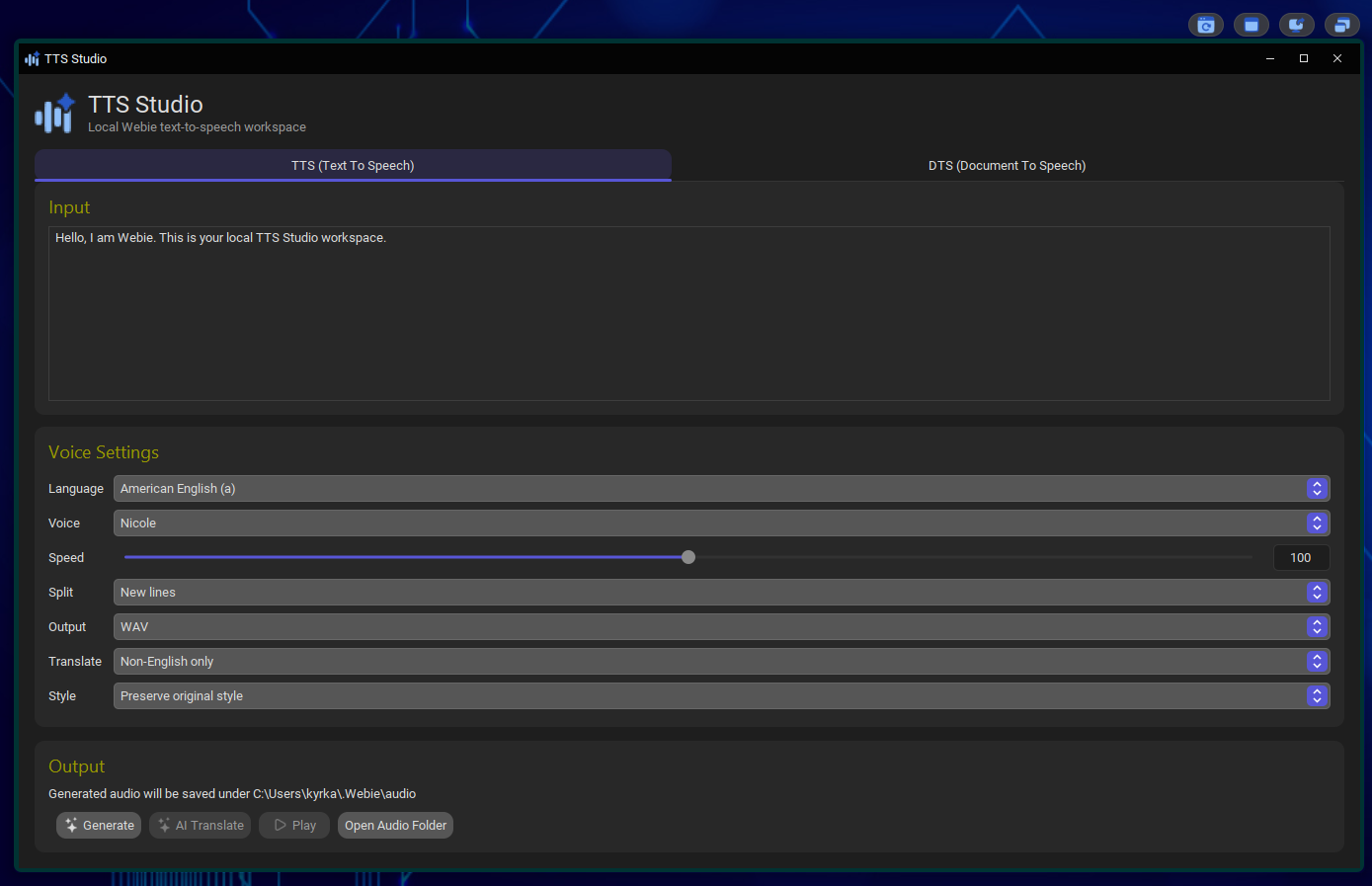
Text to Speech
Convert text into speech, with support for local speech models where available.
 WEBIE
WEBIEWebie is a personal engineering project I’m building to bring workspaces, AI, tools and everyday desktop actions closer together.
My goal is not to replace the way you already work, but to strengthen it with tools that are available when you need them: inside the Hub, directly on the desktop, or through fast access points.
Local where it makes sense. Connected where it adds real value.
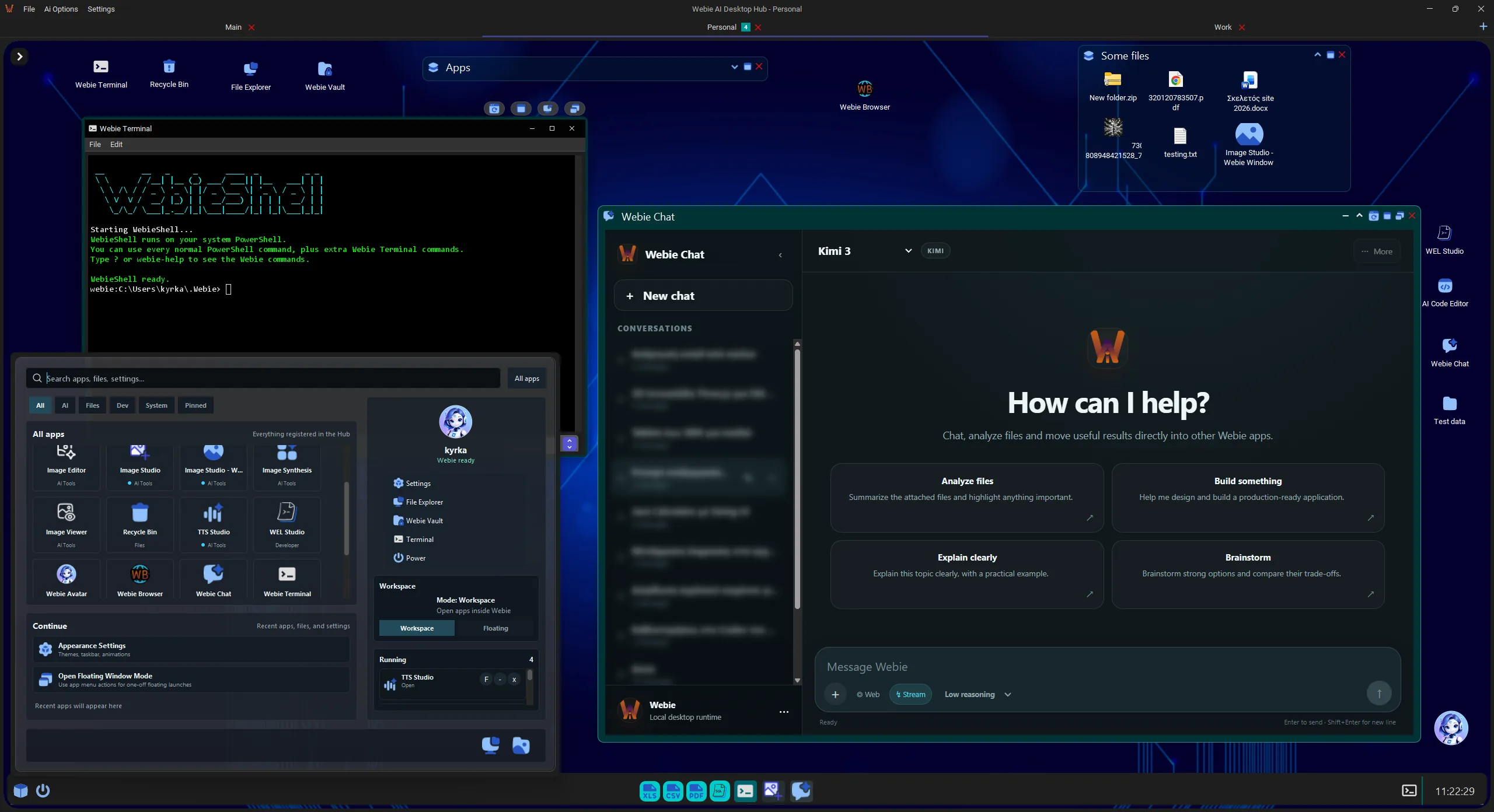
Everyday computer use already involves browsers, notes, screenshots, terminals, editors, AI assistants and a long list of small utilities.
Webie is not trying to replace all of them with one oversized application. The idea is to connect the tools we already use more naturally and add functionality where it is genuinely missing.
That is why several Webie tools are not limited to the Hub. They can remain available directly on the Windows desktop and become part of the normal workflow.
Webie is not designed as an application you only open when you remember you need it. I want it to remain immediately accessible without interrupting what you are already doing.
That is why the experience extends beyond the Hub. Ask Webie and the Webie Avatar act as fast access points while the Hub stays in the background or in the tray.
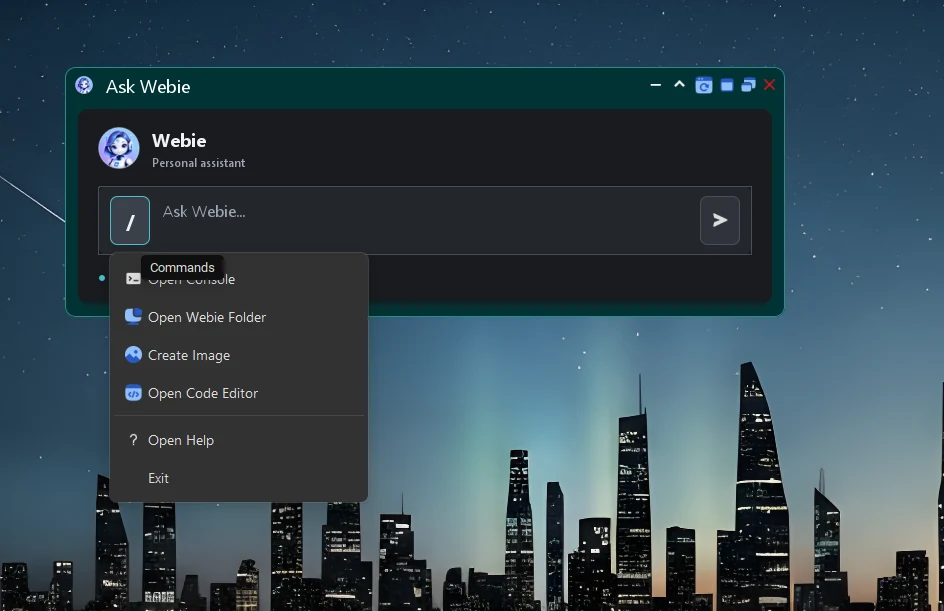
Ask Webie is a lightweight command and assistant window that can be opened from anywhere with a keyboard shortcut.
From there, you can start an interaction with Webie, open tools or trigger quick actions without restoring the full Hub.
It is designed for moments when speed matters more than switching to another full application window.
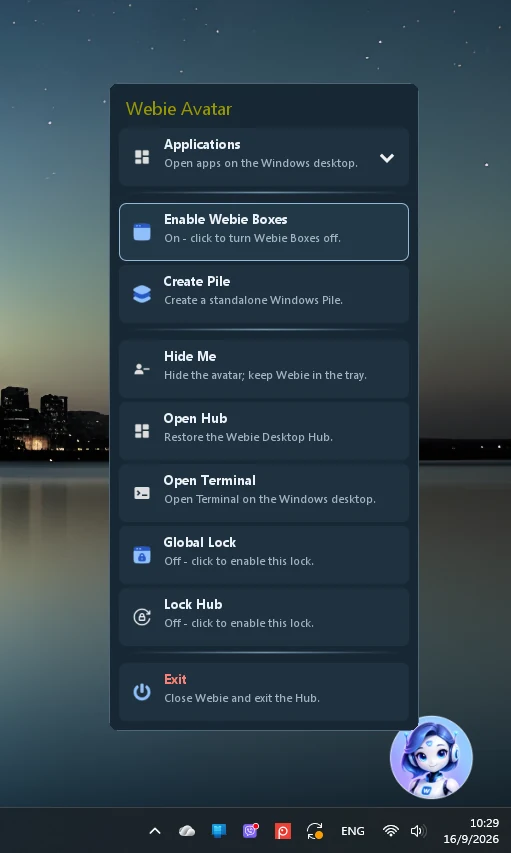
The Webie Avatar is a persistent quick-access point for core ecosystem functions while the Hub remains in the tray.
Its menu can open applications, trigger features, create Piles, launch a terminal or restore the Hub without unnecessary steps.
The idea is simple: common actions should not require opening the entire application every time.
Together, Ask Webie and the Avatar give Webie a presence on the desktop instead of limiting it to a single application window.
Webie Hub is the core of the ecosystem. It brings together workspaces, tools, applications and AI capabilities that can be used independently or as part of the same workflow.
Each workspace can serve a different purpose, so your work, tools and context do not all need to live inside one undifferentiated environment.
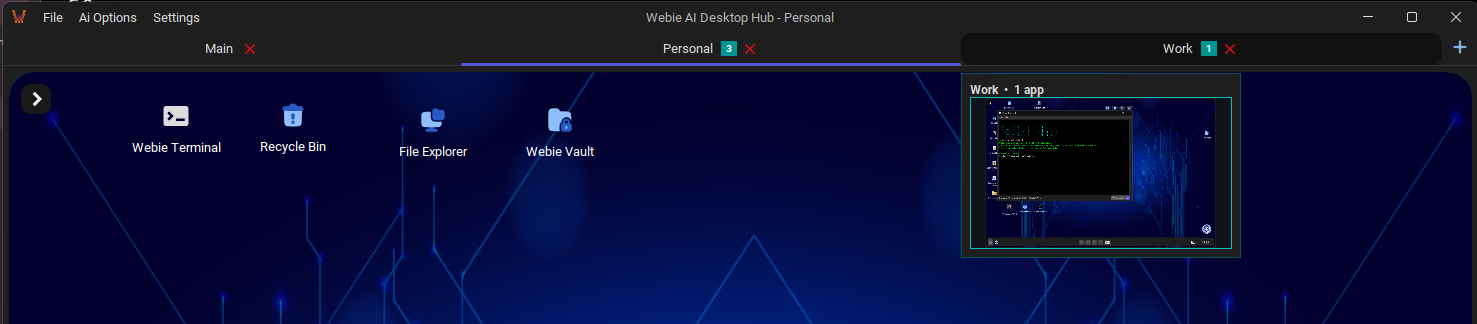
Webie Hub acts as a central access point for applications and utilities that cover different everyday tasks.
Instead of opening a separate application for every small job, Webie tools can be used inside the same environment and combined with workspaces and the AI layer.
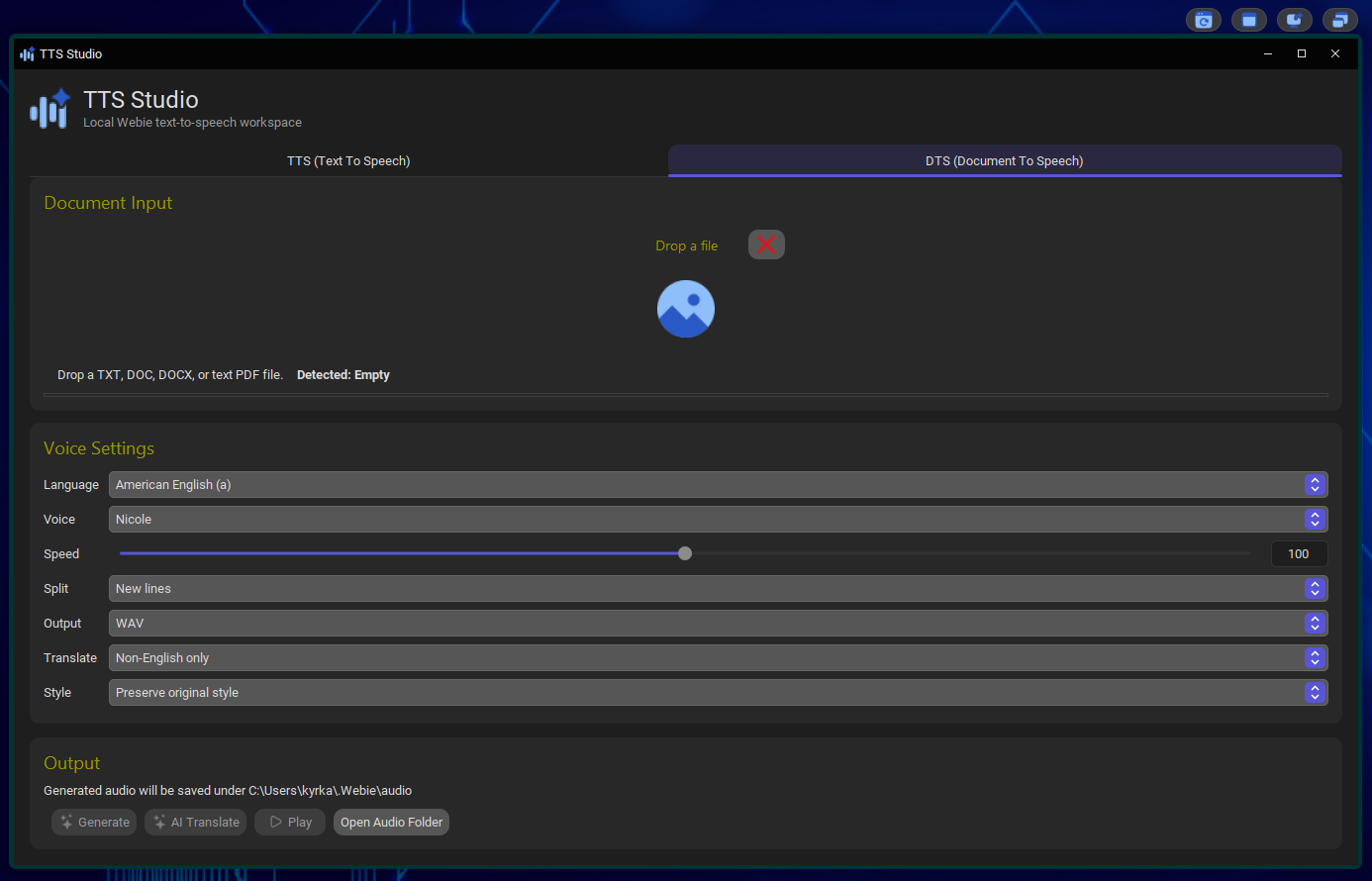
Convert text into speech, with support for local speech models where available.
Load documents and turn their contents into speech so a document can be listened to instead of read.
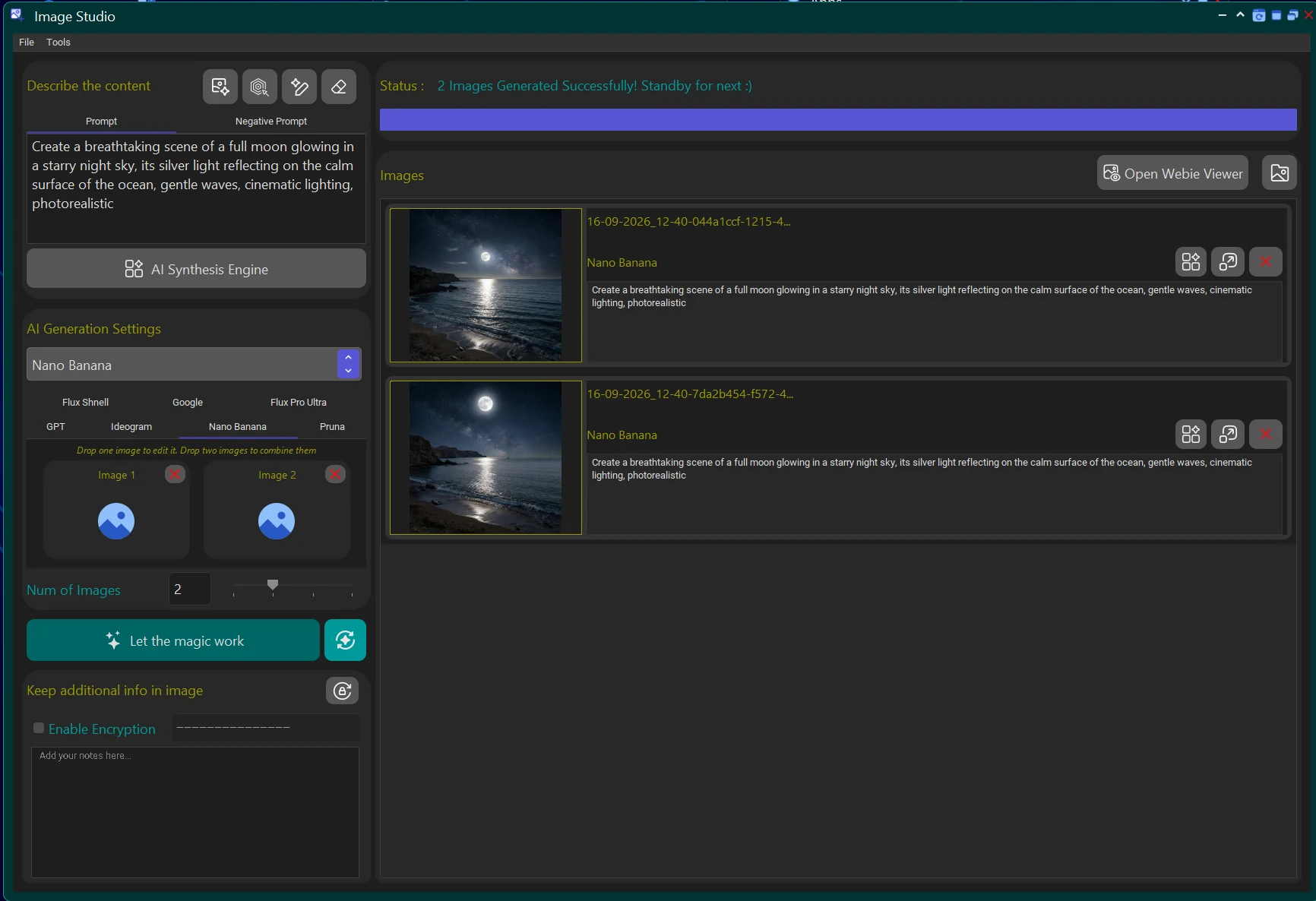
Generate images through AI image synthesis directly inside the Webie environment.
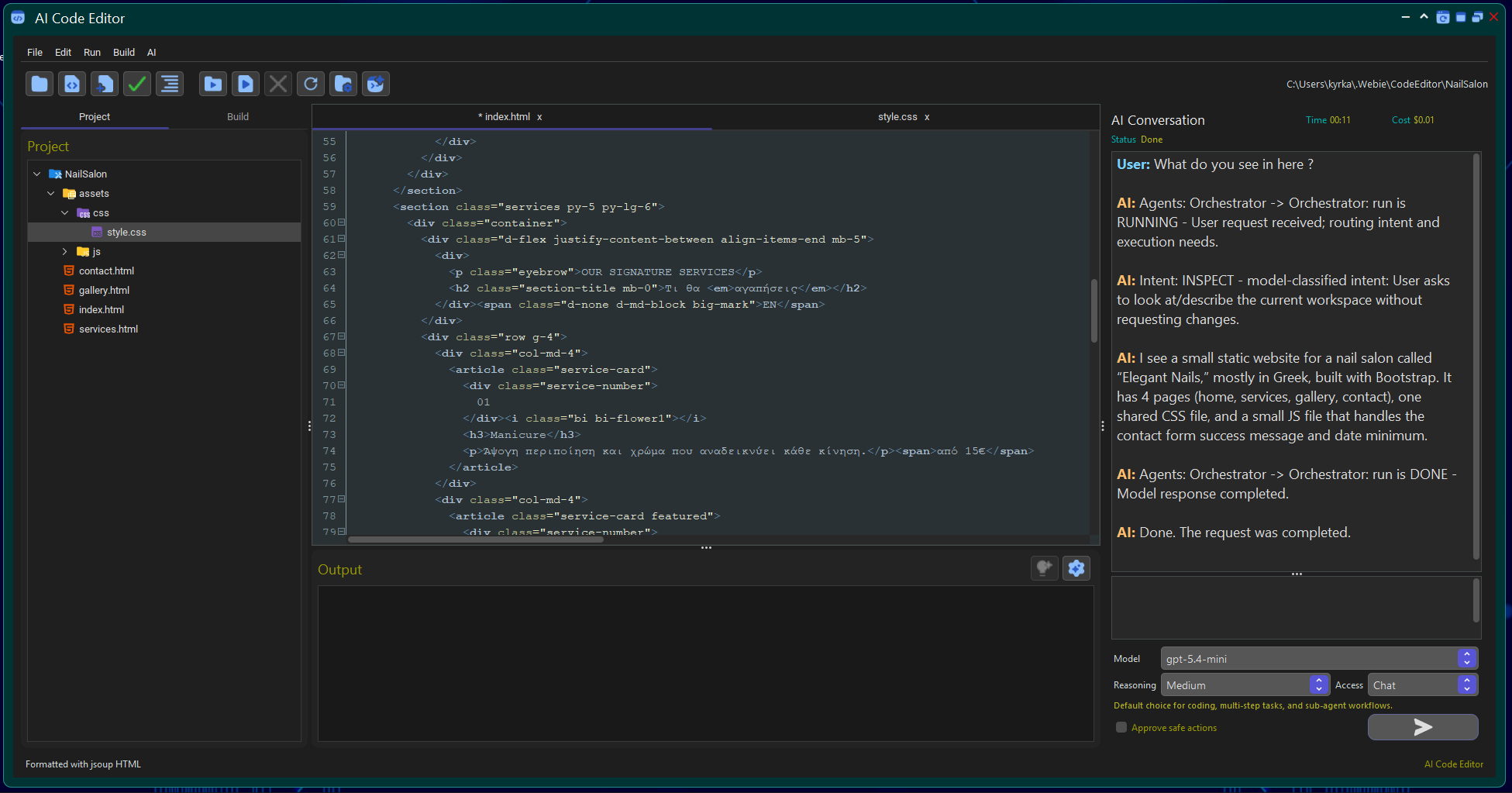
Code editing and development utilities available inside the same workspace.
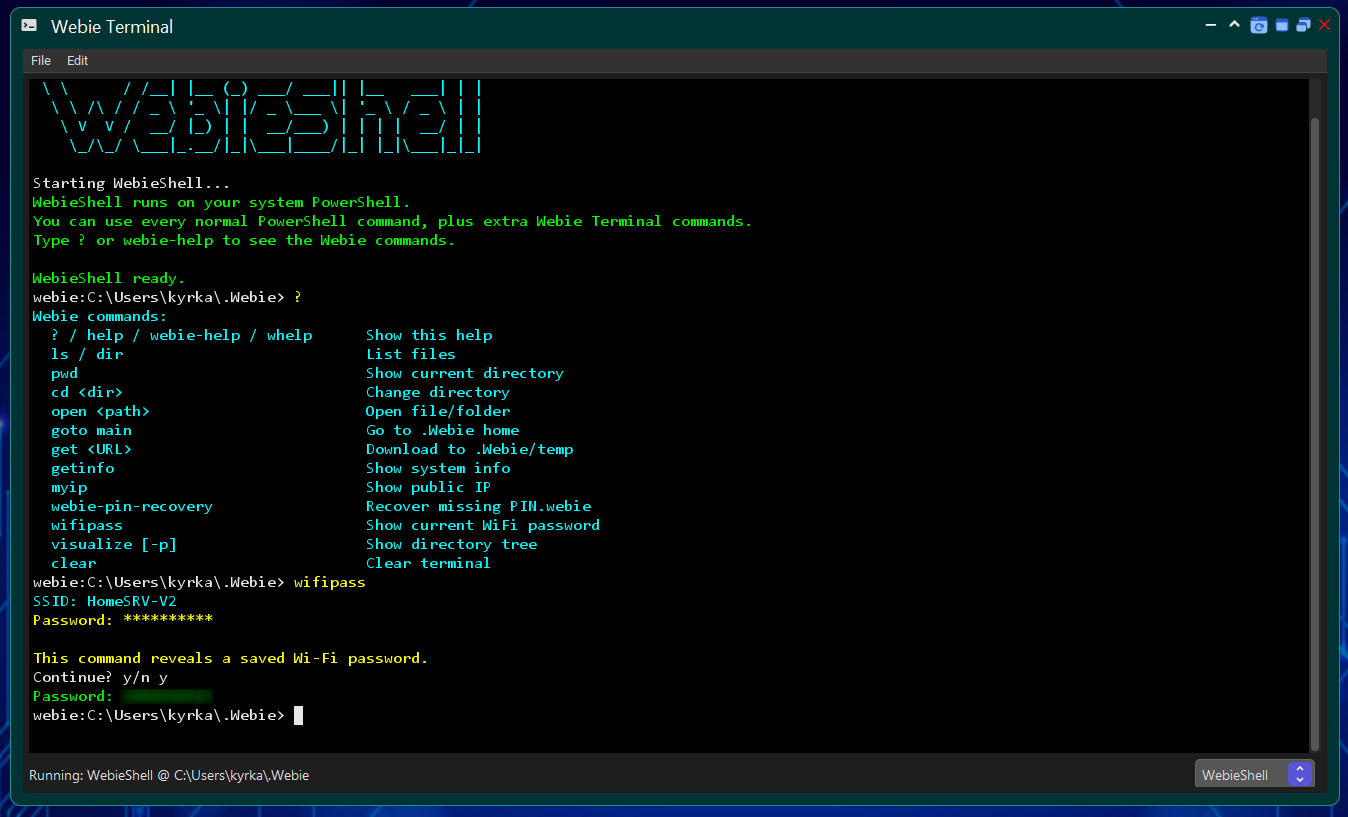
Webie Shell is Webie’s integrated command-line environment, designed for quick access to files, applications and system functions without requiring a separate terminal window.
Alongside standard navigation and command execution, it includes Webie-specific commands and system utilities that connect the terminal with the rest of the ecosystem.
Quick notes and personal content inside the Webie environment.
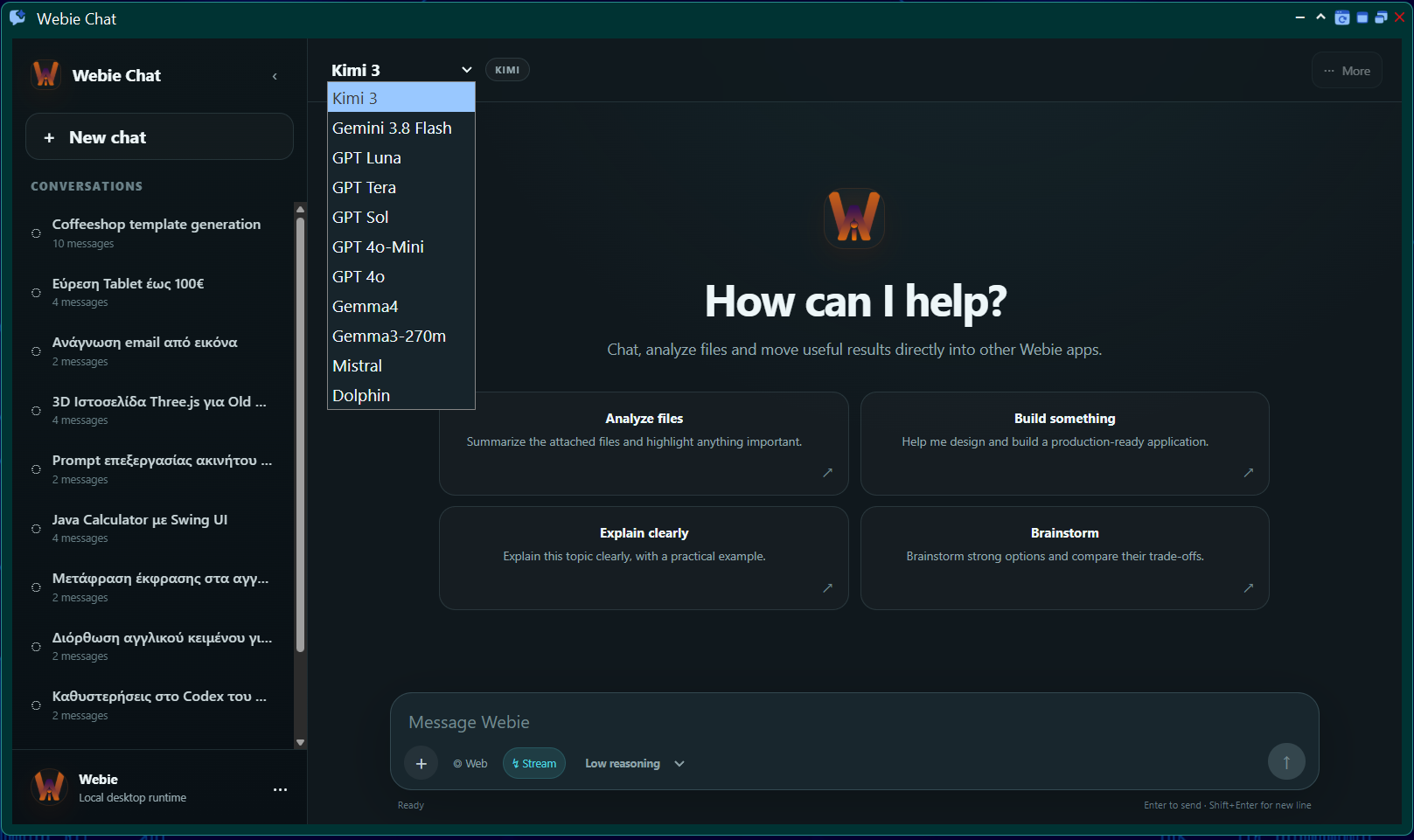
Webie supports different AI models and providers inside the same experience. You can choose a different model depending on the task and use both cloud and local options where they are available.
The direction I am working toward is deeper integration between AI, workspace context and Webie tools, so the assistant can gradually move beyond answers and help with real actions.
Provider flexibility, local models and cloud models can coexist inside the same environment.
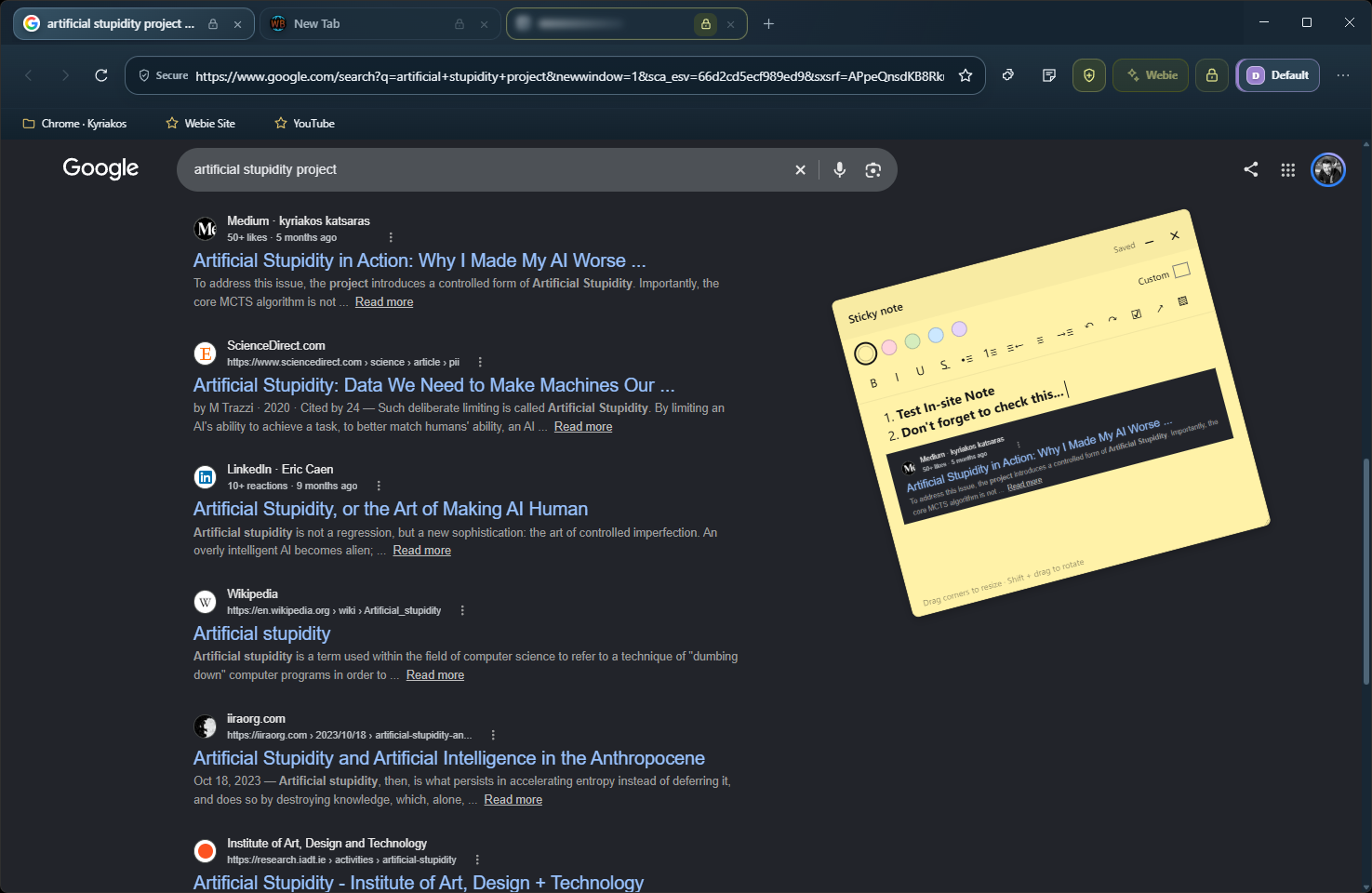
Webie Browser started as part of the ecosystem and evolved into a separate browser with its own approach to profiles, privacy and everyday browsing.
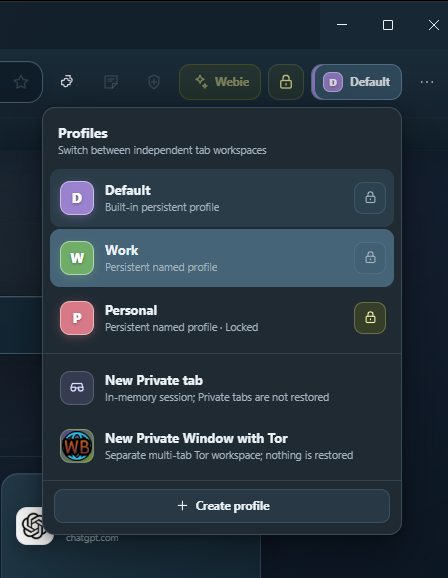
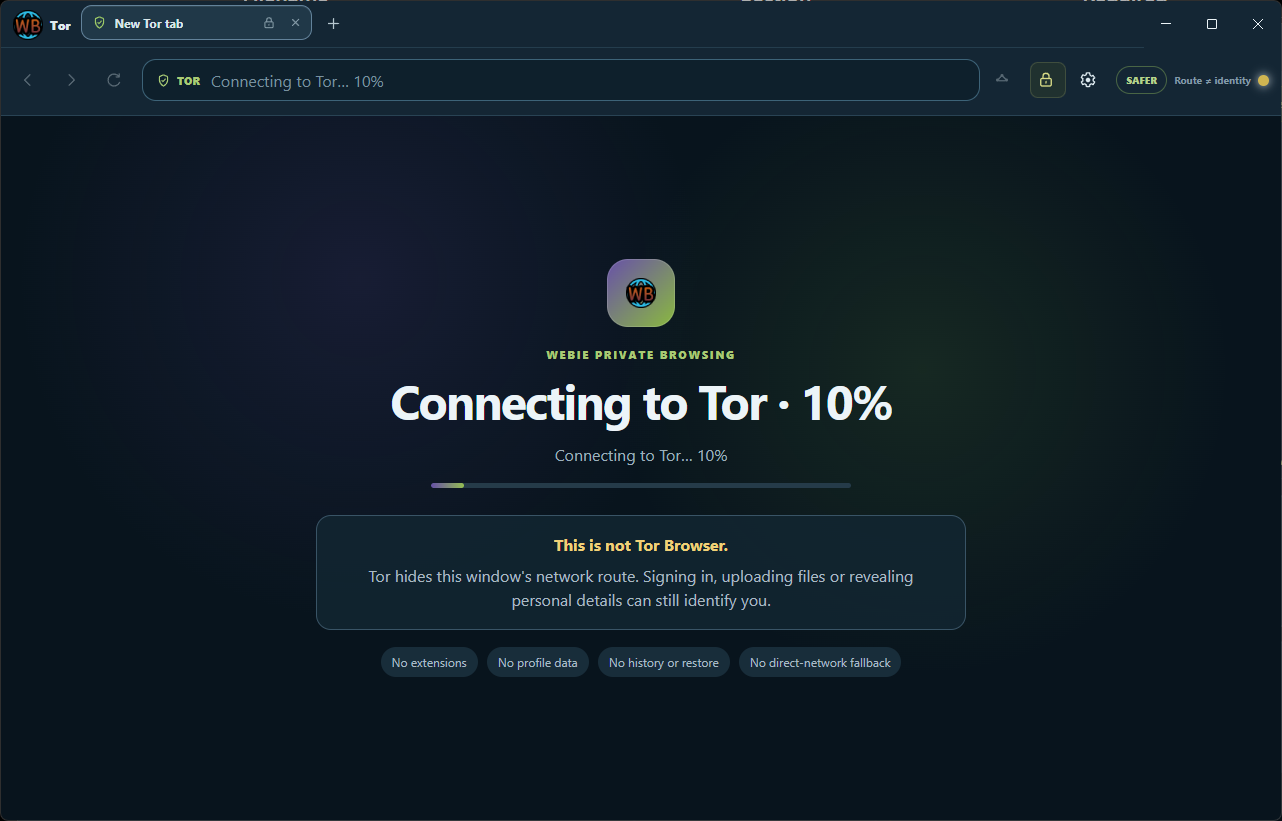
It includes isolated profiles, Tab Lock, Profile Lock, profile-scoped bookmarks, Chrome extension support, Webie Shield and a separate Private Window through Tor.
The browser is intended to be released as an open-source project and remain a free part of the Webie ecosystem.
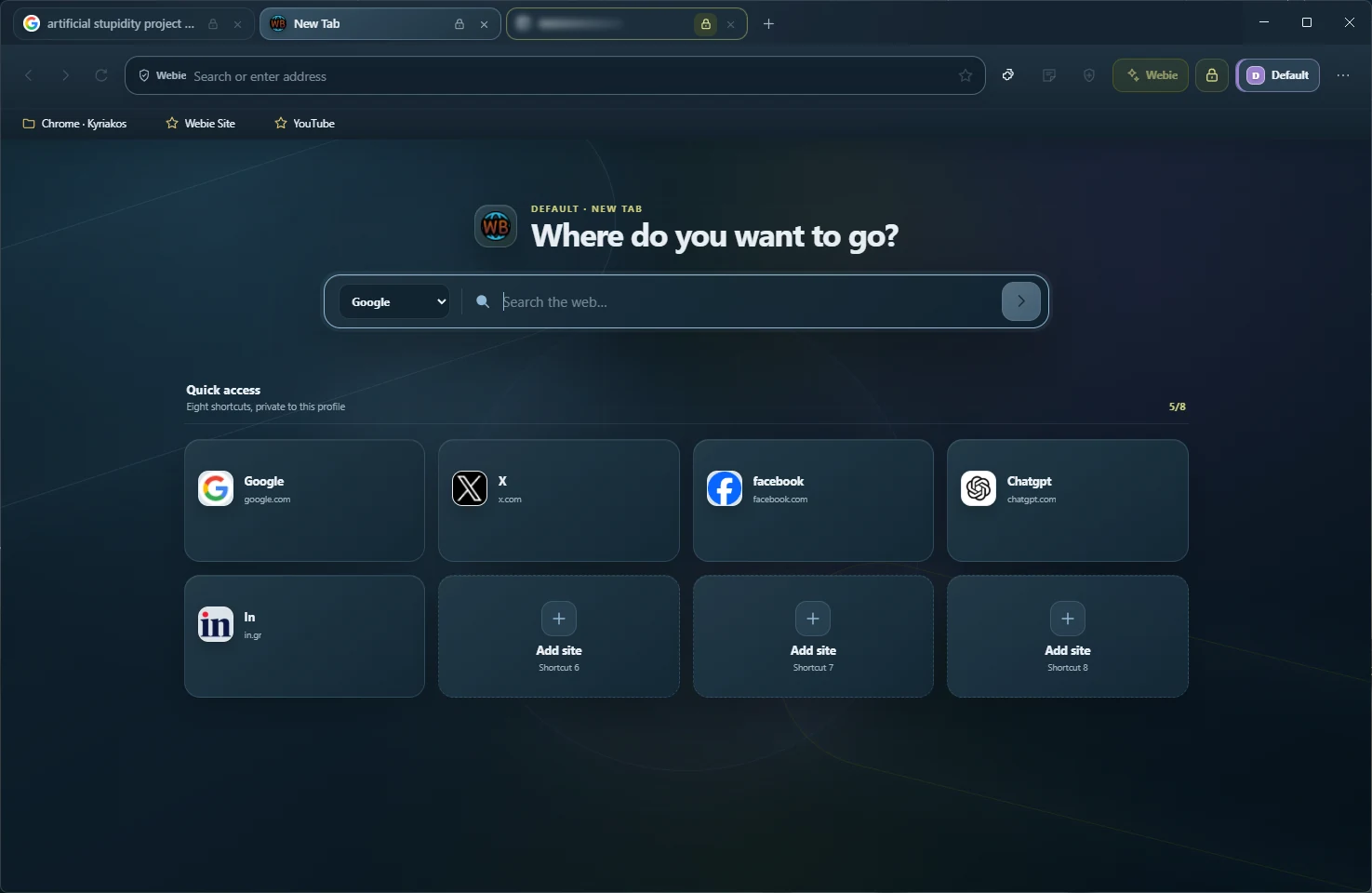
Each profile keeps its own data, tabs and bookmarks.
Protection for specific tabs and sensitive browser areas.
A separate non-persistent session with Tor routing and fail-closed behavior.
Support for the Chrome extension ecosystem.
The goal is to let you customize the appearance and structure of real websites and keep those changes locally.
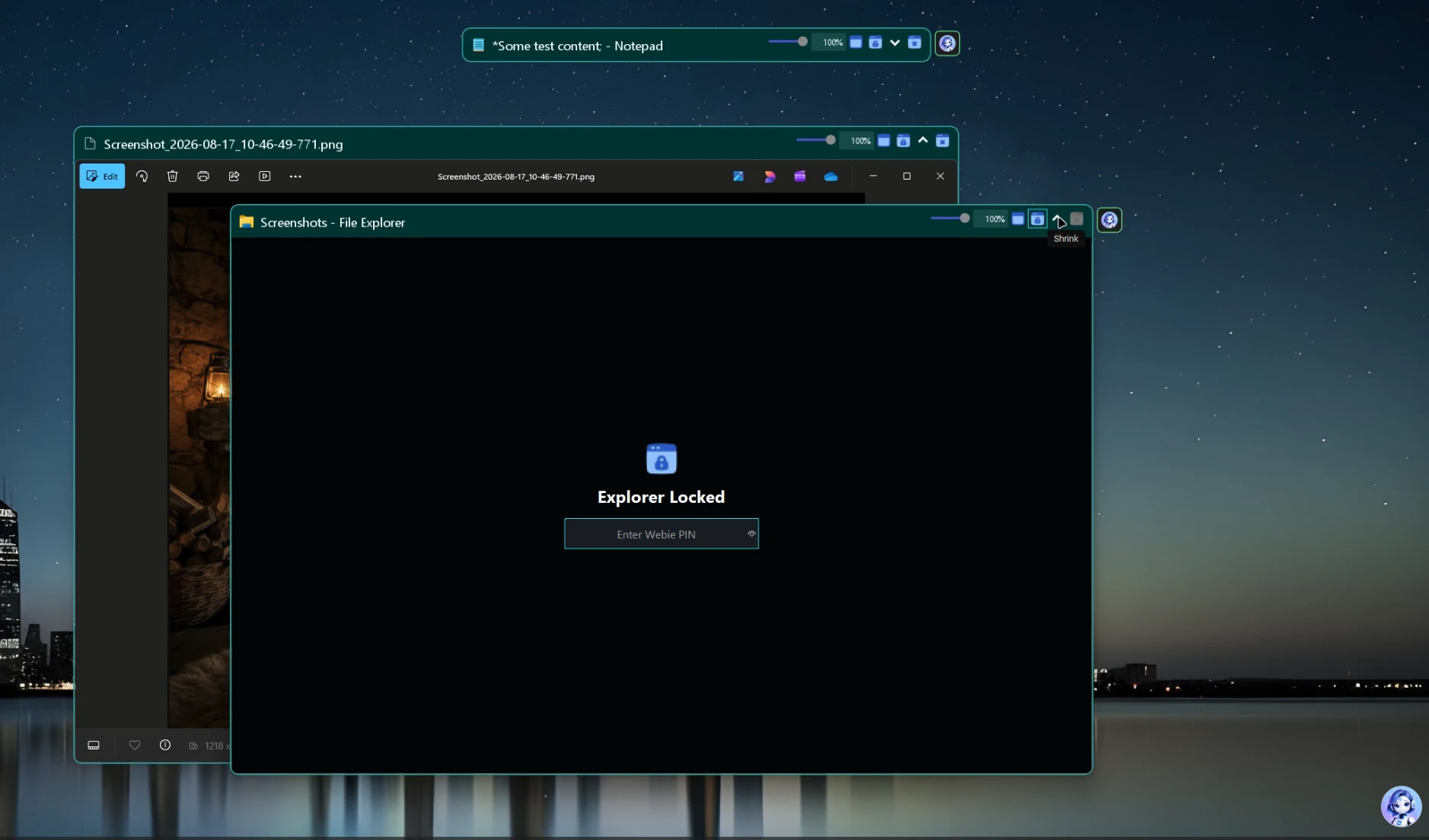
Some Webie tools are designed to work directly on the Windows desktop.
The idea is simple: if a feature is useful every day, you should not have to open the full Hub first just to use it.
Organize content directly on the desktop.
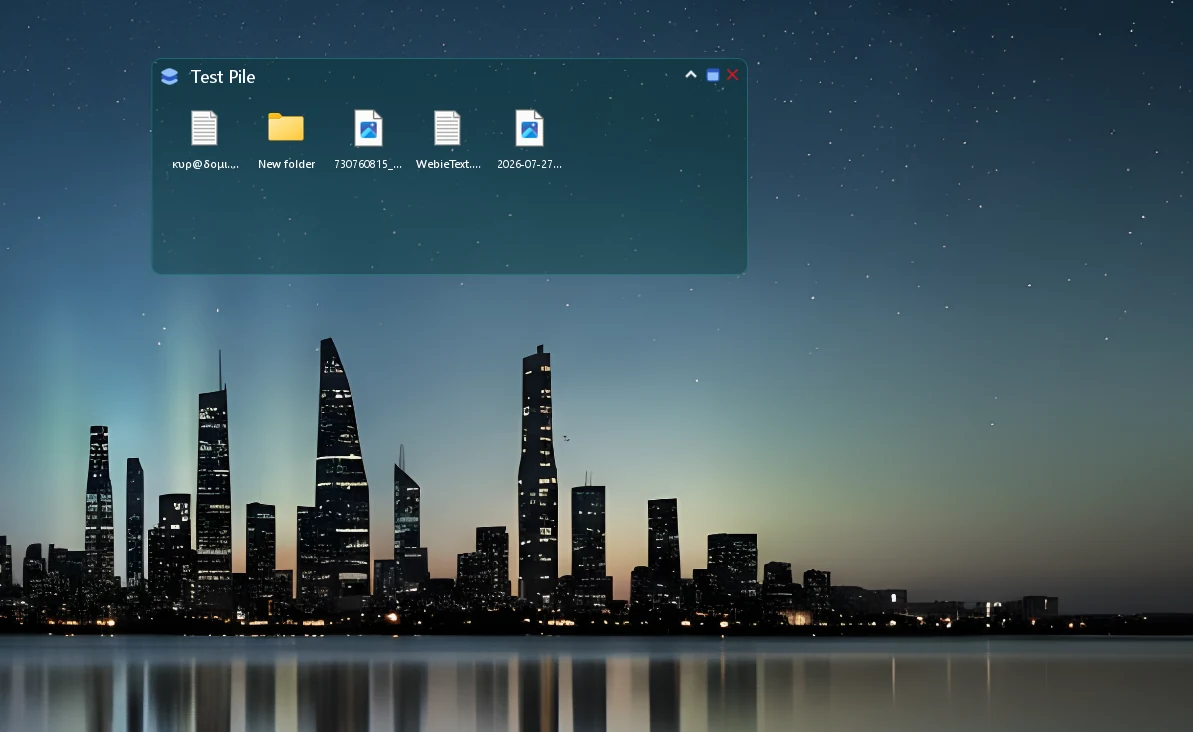
Fast access and organization for desktop-level functionality.
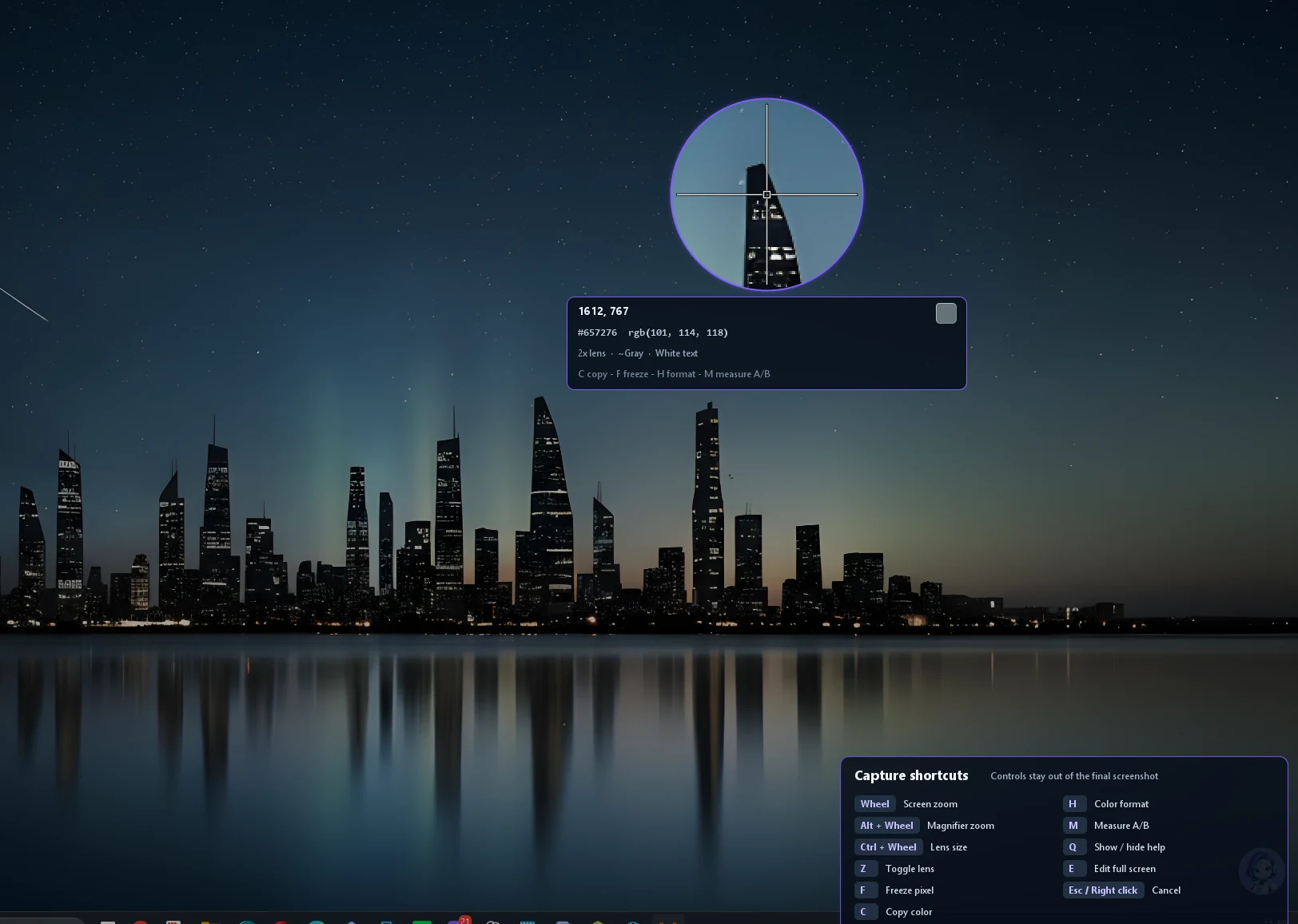
Region and screen capture with tools such as magnification and QR detection in one workflow.
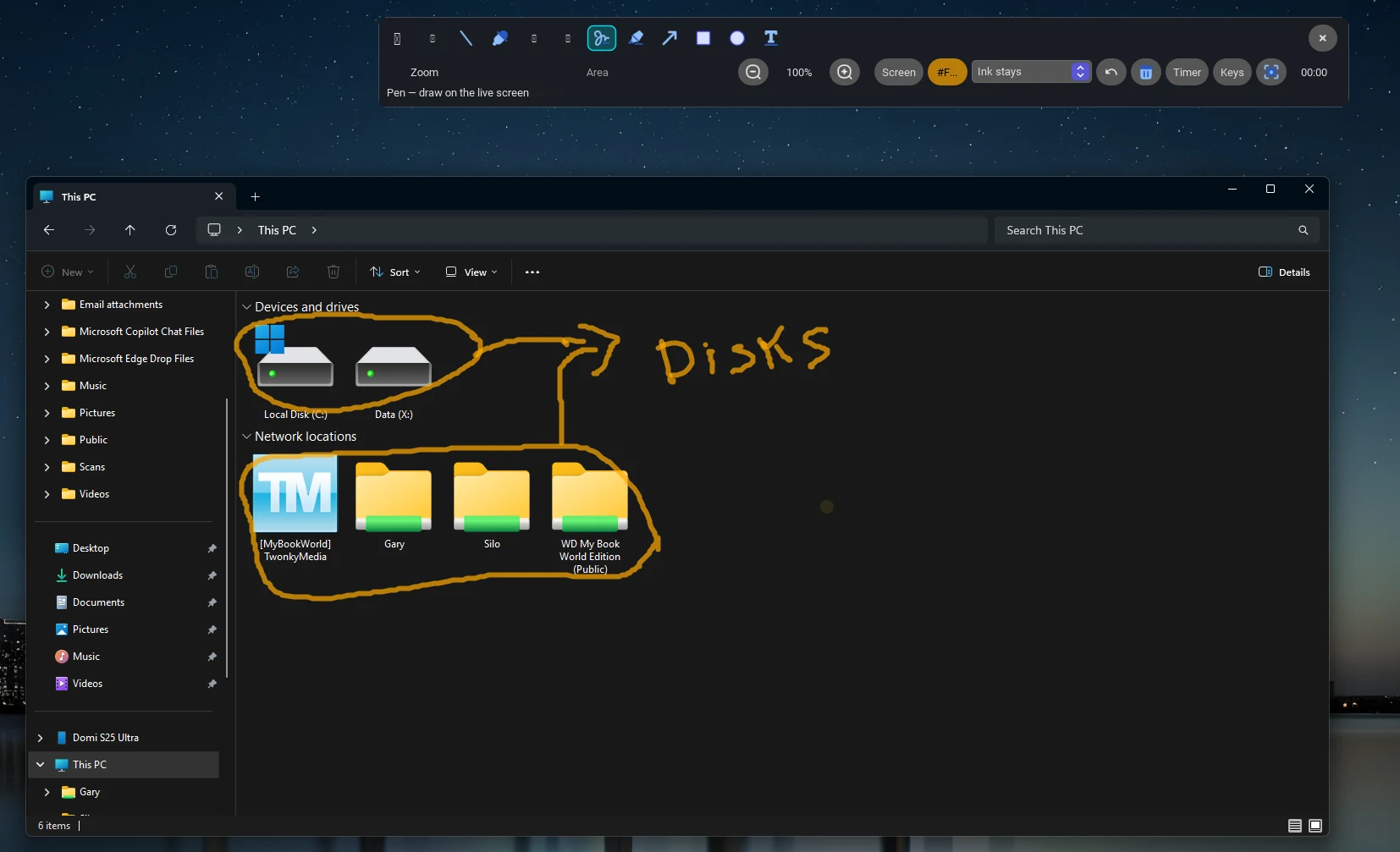
On-screen annotation tools for presentations and screen sharing, including drawing, shapes, boards and zoom.
Webie is a personal engineering project that I design and develop end to end.
Behind the interface are multiple application layers, desktop integrations, AI providers, local models, networking, authentication, browser technologies and tools that need to work together as one system.
For me, the interesting part of Webie is not only the feature set, but the architecture required to keep all of those parts working together without turning into a monolithic mess.
From desktop integration and multi-model AI to Webie Browser and standalone ecosystem tools, the architecture follows a shared design logic intended to remain extensible.
Webie is designed with control and privacy in mind, but that does not mean it operates exclusively offline.
Where practical, I prefer local processing, local storage and support for local AI models. At the same time, features such as authentication and selected online services can rely on cloud infrastructure such as Firebase.
The principle is to use the cloud where it adds real value rather than moving every function or every piece of data outside the user’s system by default.
I am designing Webie with the requirements and principles of the EU AI Act in mind, particularly around transparency, human oversight, permissions, model/provider visibility and control over AI-driven actions.
The goal is for Webie’s architecture to be able to support the applicable requirements of the European regulatory framework as the product matures.
Webie is under active development, and several ideas continue to change as I use it in my own daily workflow.
It started with small problems I wanted to solve for myself and gradually grew into a much larger ecosystem.
New tools, experiments and architectural changes are added as the project matures.
Target for the first public release: late May 2027. The timeline may be adjusted based on development and testing progress.